Party Khata (Ledger)
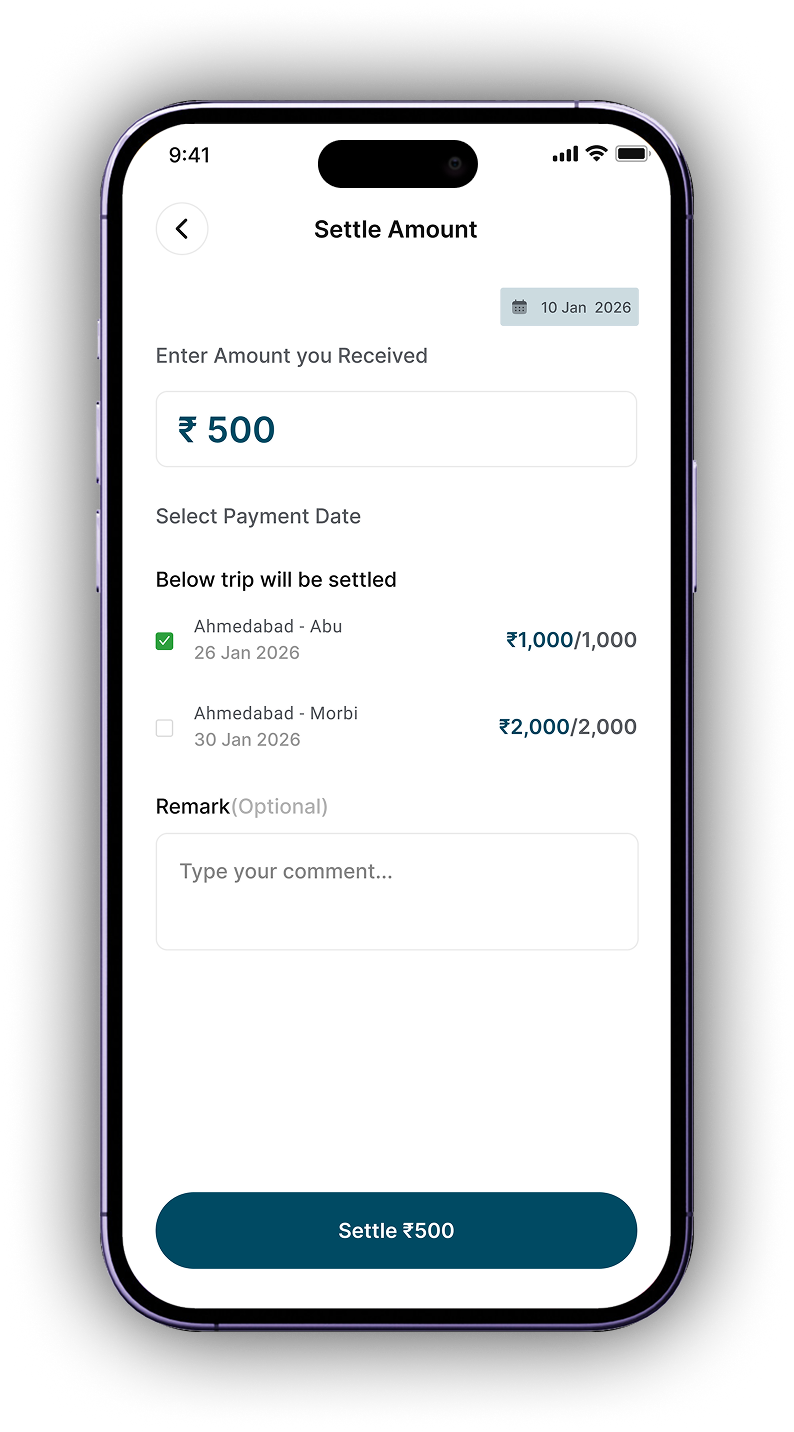
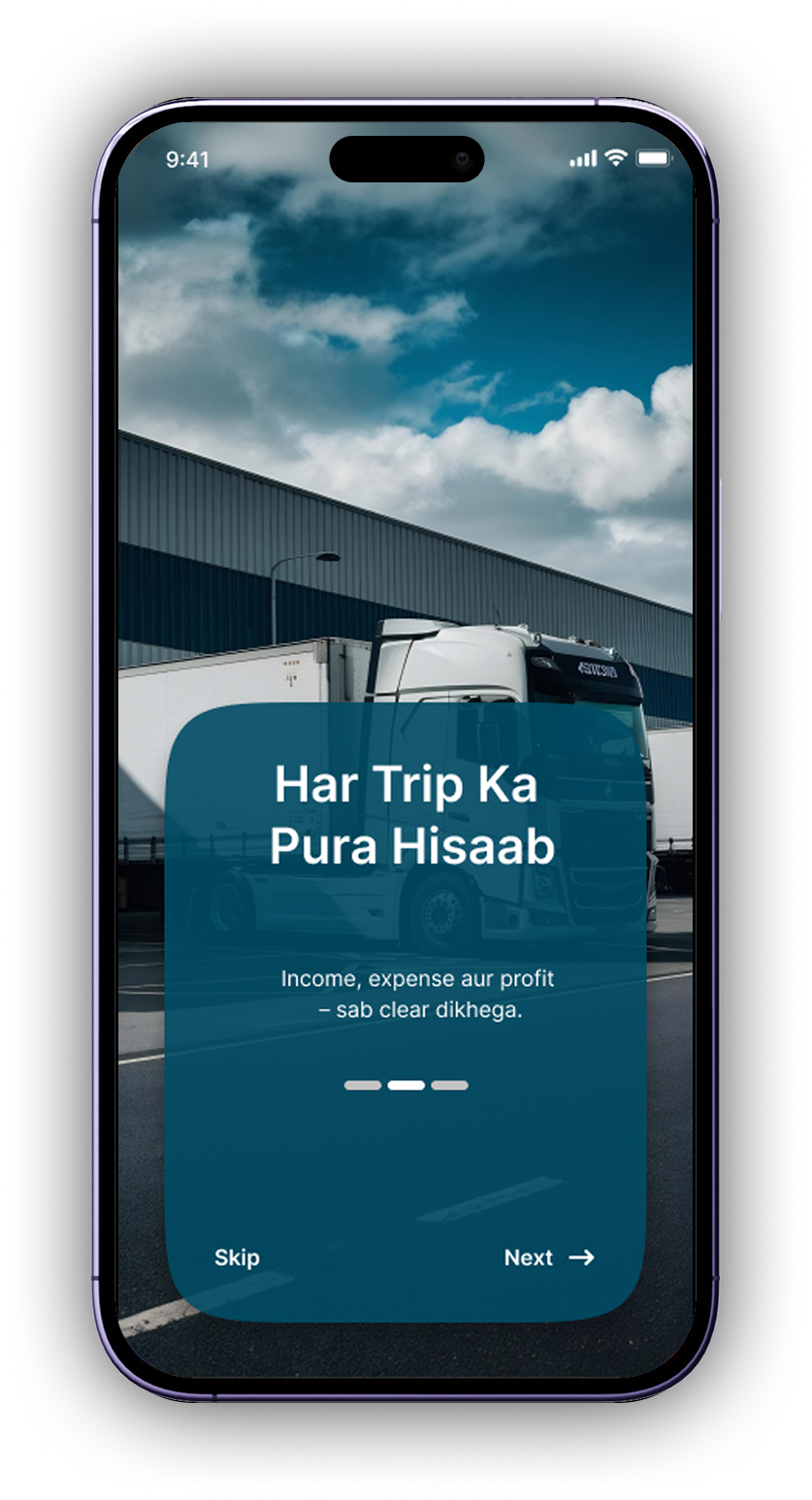
Track receivable/payable per party. Clear history, pending POD, and instant balance.







Income · Expense Ledger · Driver Details · Party Khata · Driver Khata · Truck Khata · Maintenance · Diesel · Trip Detail · POD

Track receivable/payable per party. Clear history, pending POD, and instant balance.

Driver advances, sillak, bhattha, and final settlement. Know who owes what.
Income & expense per truck – maintenance, diesel, repair, documents, insurance expiry.
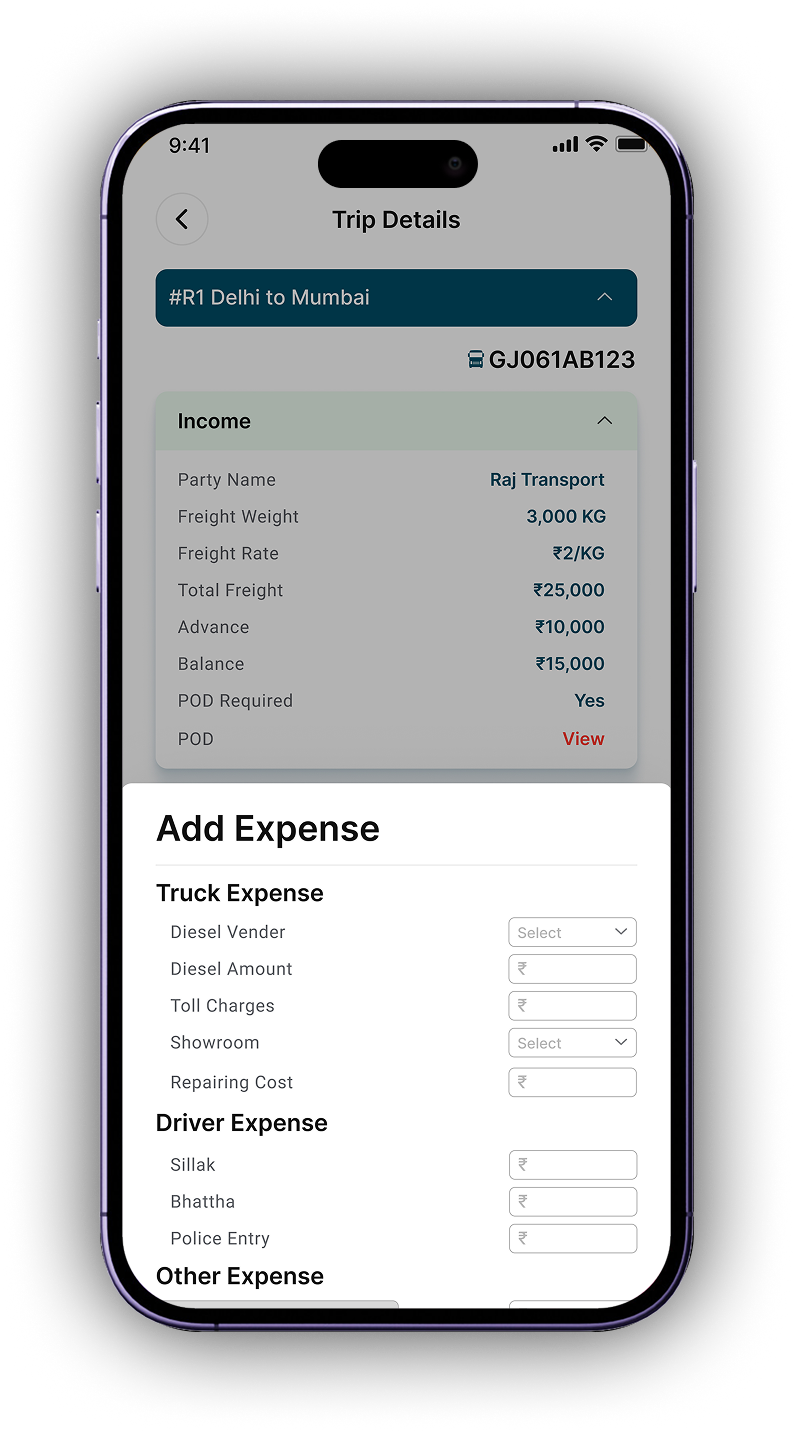
From “Morbi to Mumbai” – freight, advance, balance, POD required/pending. All linked.

Diesel vendor, toll, showroom repair, RTO Challan, sillak, bhattha – every rupee accounted.

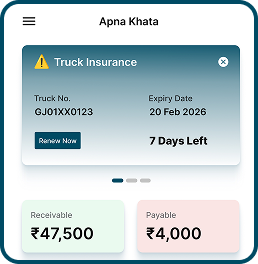
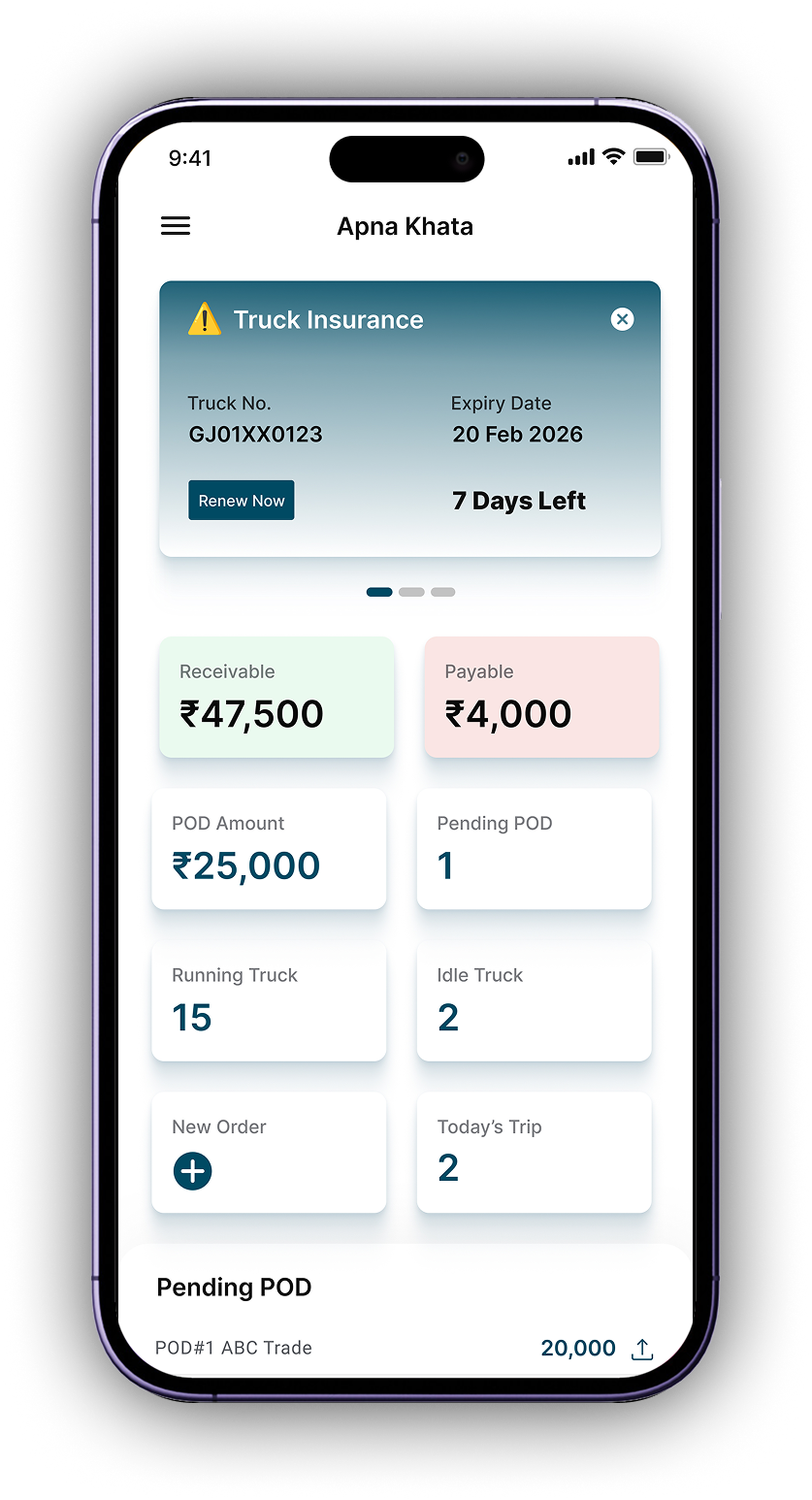
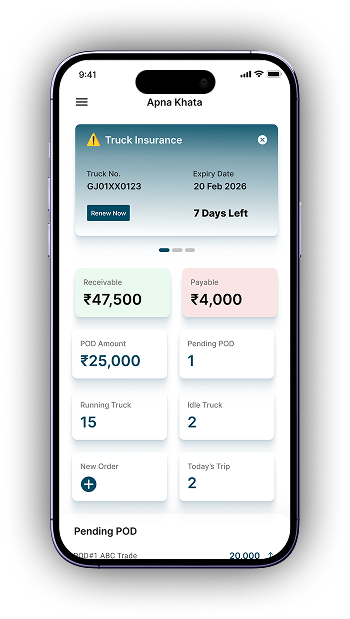
See all transactions in one place: today, yesterday, vehicle wise. Receivable ₹47.5k, Payable ₹4k.
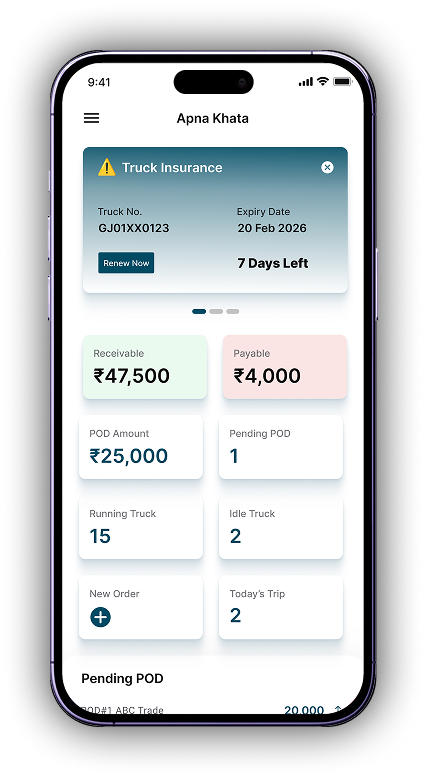
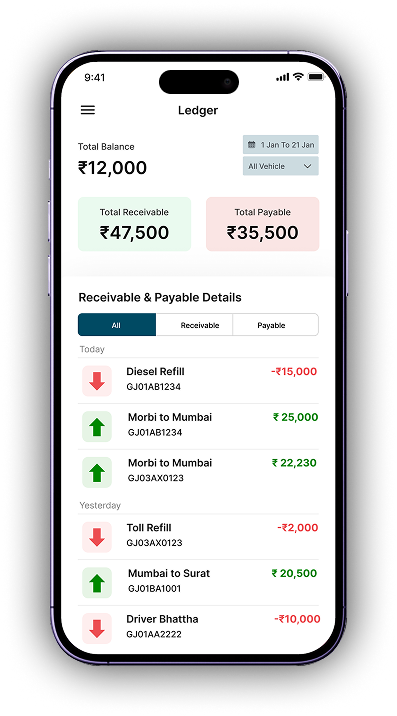
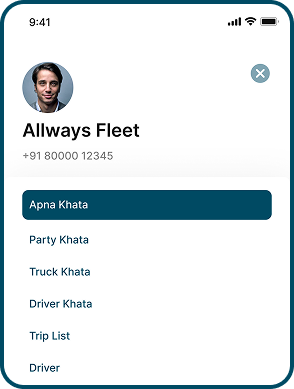
Every khata shows total balance, individual entries, and click-through details. Just like your physical register, but smarter.

₹49k
Party Receivable

₹90k
Truck Khata

₹50k
Driver Khata

15+
Years of service
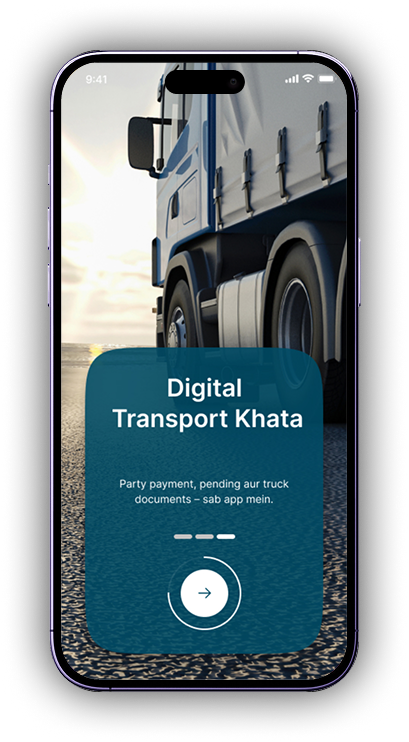
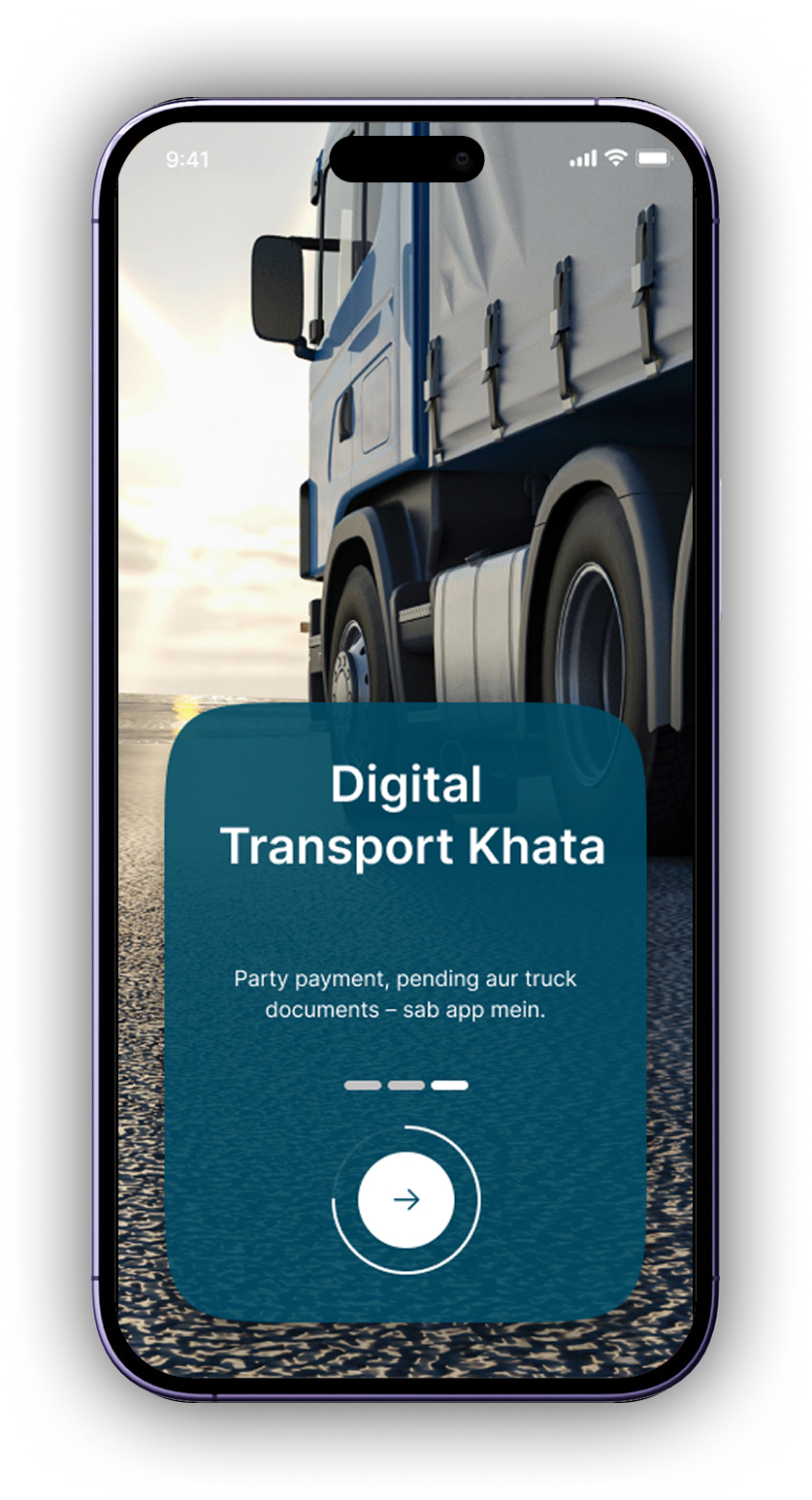
Party Khata: A ledger that tracks financial transactions with customers or suppliers (parties).
Truck Khata: A per-vehicle ledger that captures all income and expenses associated with an individual truck.
Driver Khata:A ledger that manages all financial dealings with a driver.
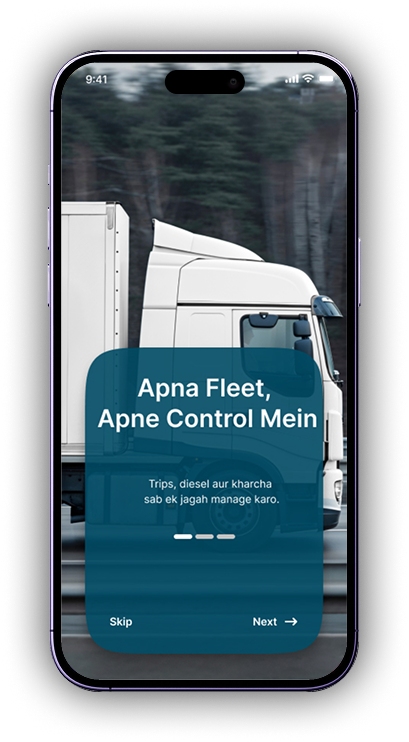
When you create a trip; capture freight weight, rate, advance, remaining, POD. Then add diesel, toll, repair, sillak, bhattha, RTO Challan – all linked to that truck & trip.
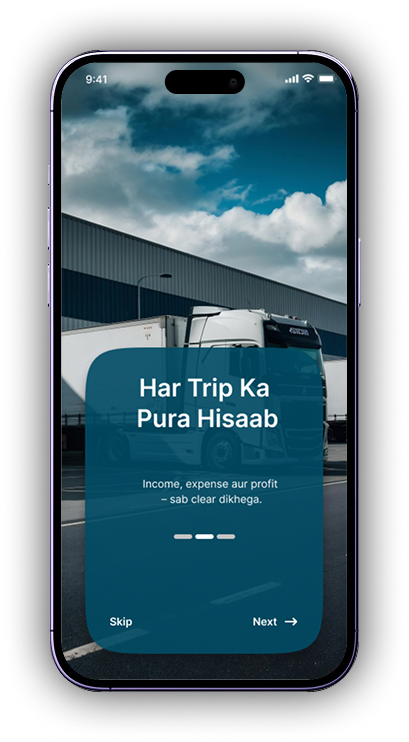
Includes: route, party name, freight weight, freight rate, total freight amount, advance paid, remaining balance, and POD (Proof of Delivery) status.
Includes: diesel purchases, toll charges, showroom repairs, maintenance, and any other vehicle-related expenditures.
Includes: advances (sillak), daily allowances (bhattha), RTO Challan, and any other driver-specific costs.

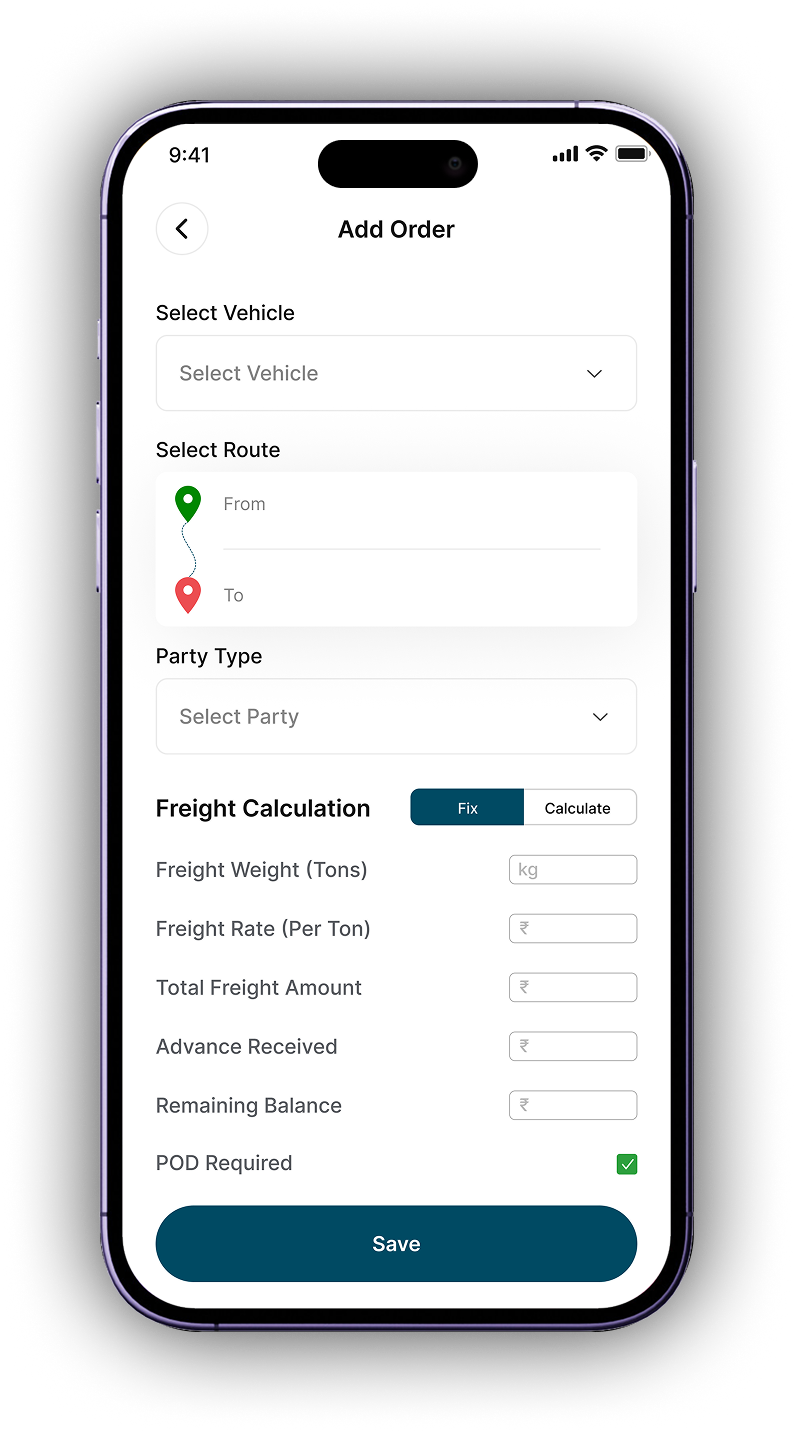
Select vehicle, from/to location, party name. Enter weight, rate/ton, advance received – total freight auto-calculated. Mark POD required if needed.
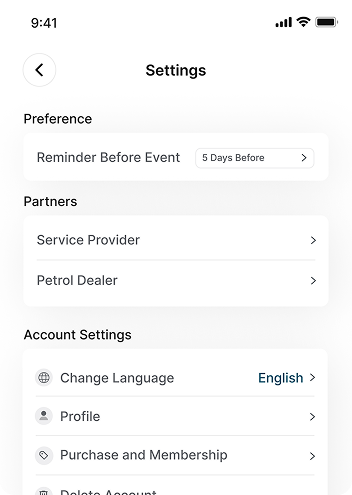
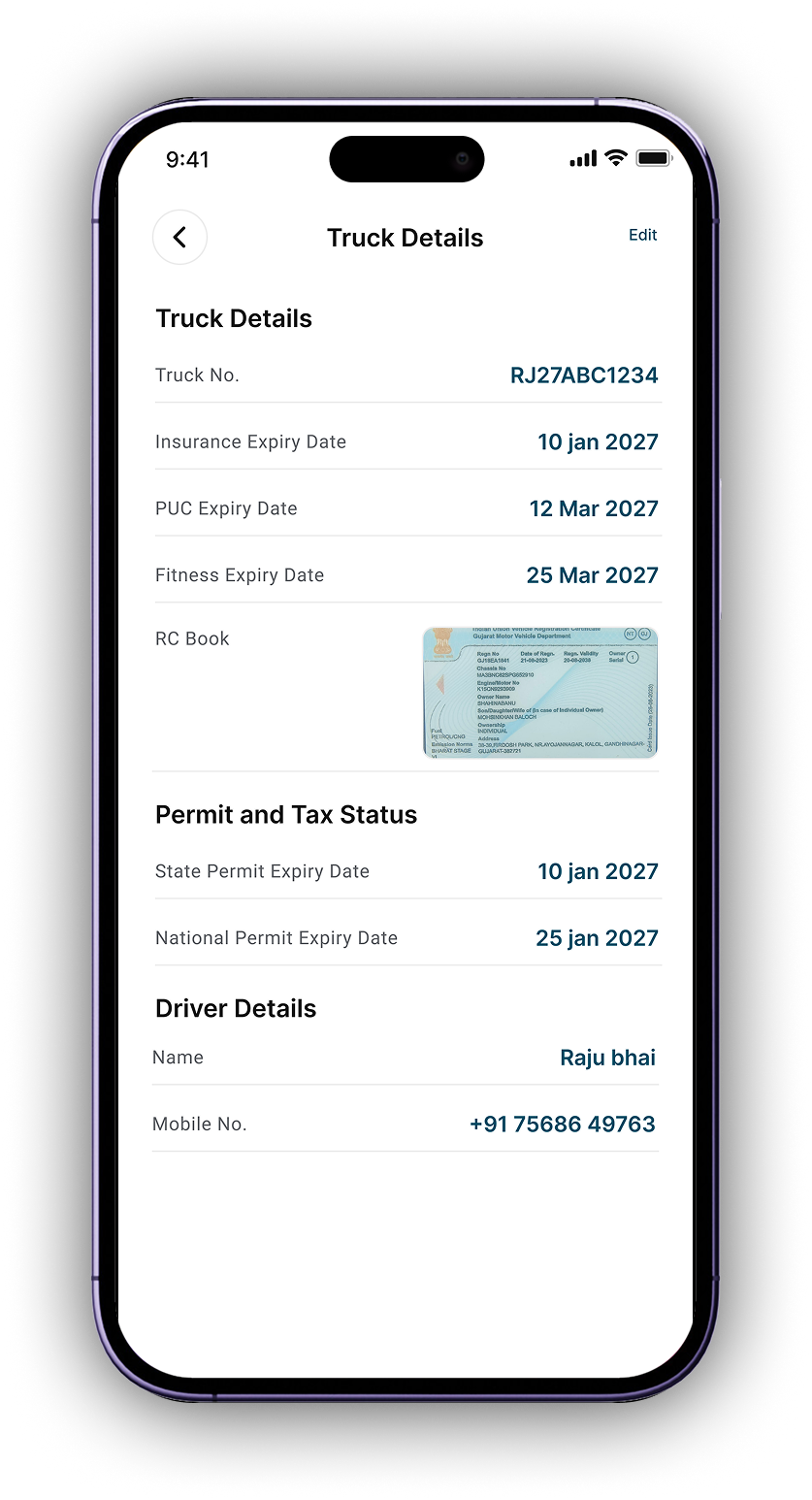
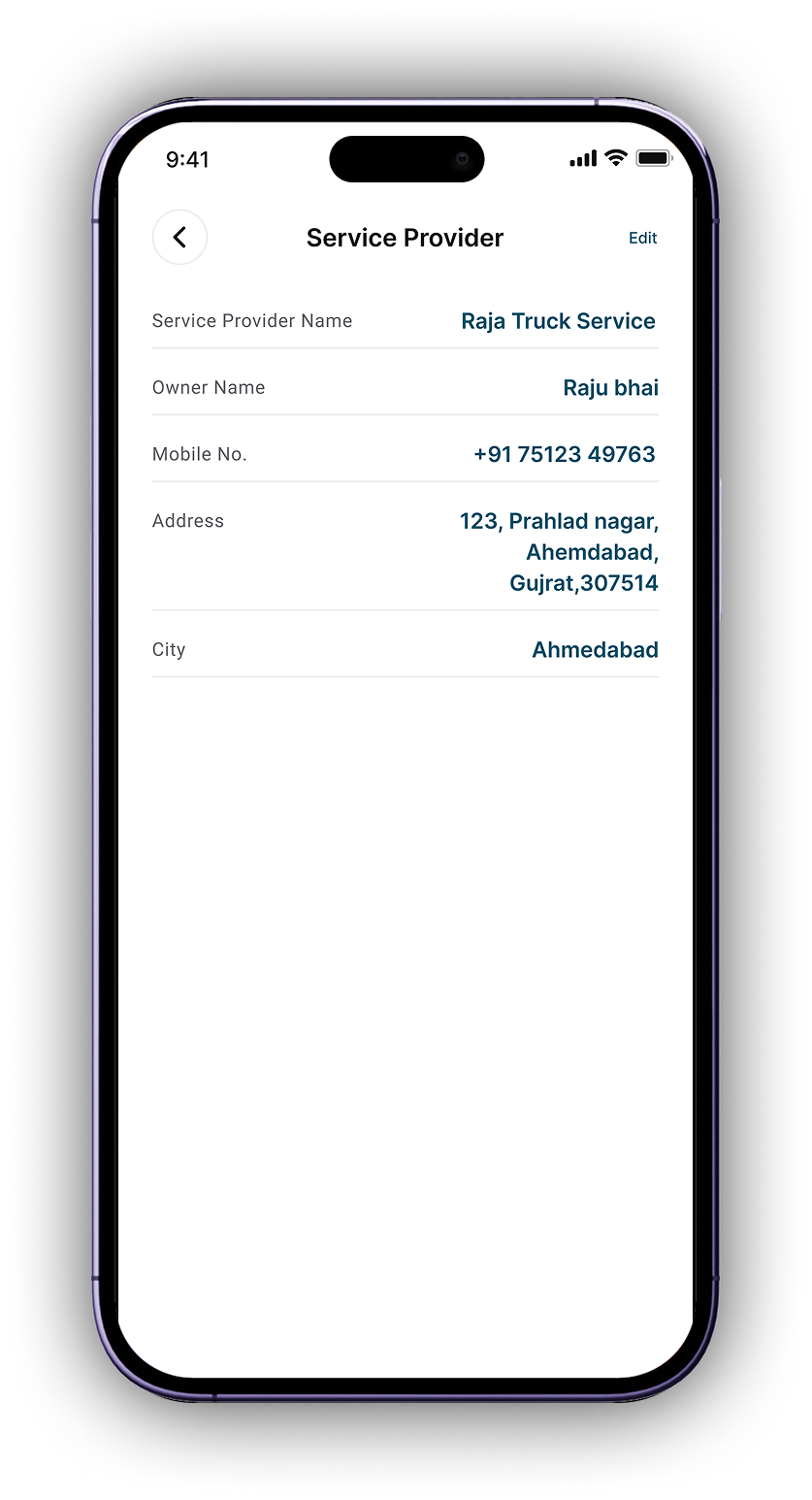
Register your trucks (with number, insurance expiry) and driver details (contact, advance). Everything stored for quick selection.
Add diesel (vendor wise), toll, repair, sillak, bhattha, RTO Challan – all linked to the trip and truck. Real-time expense tracking.
Mark POD as received, update payment status. Know exactly which parties have pending dues and which trips are settled.
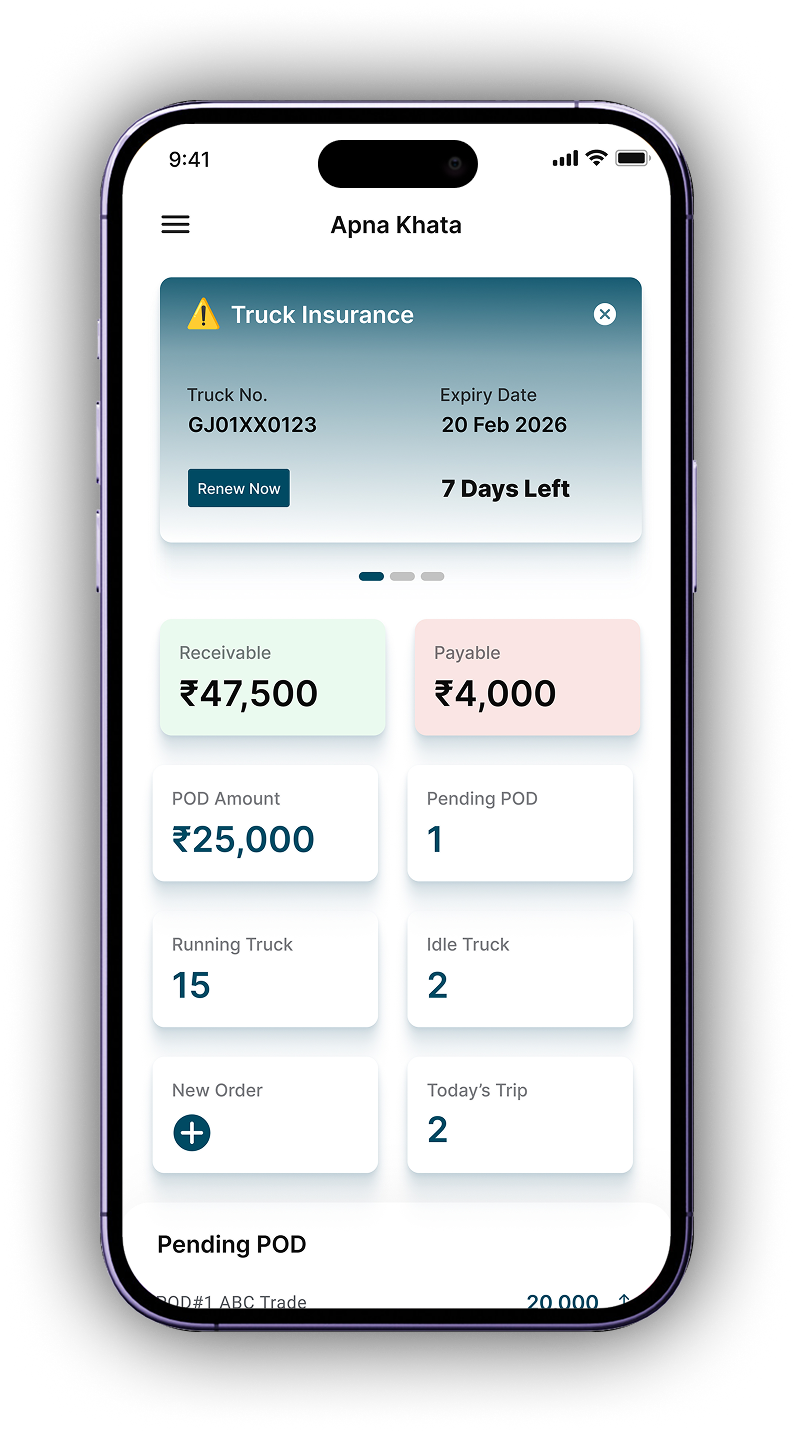
Check real-time balances: who owes you (receivable) and whom you need to pay (payable). Filter by vehicle, party, or driver.
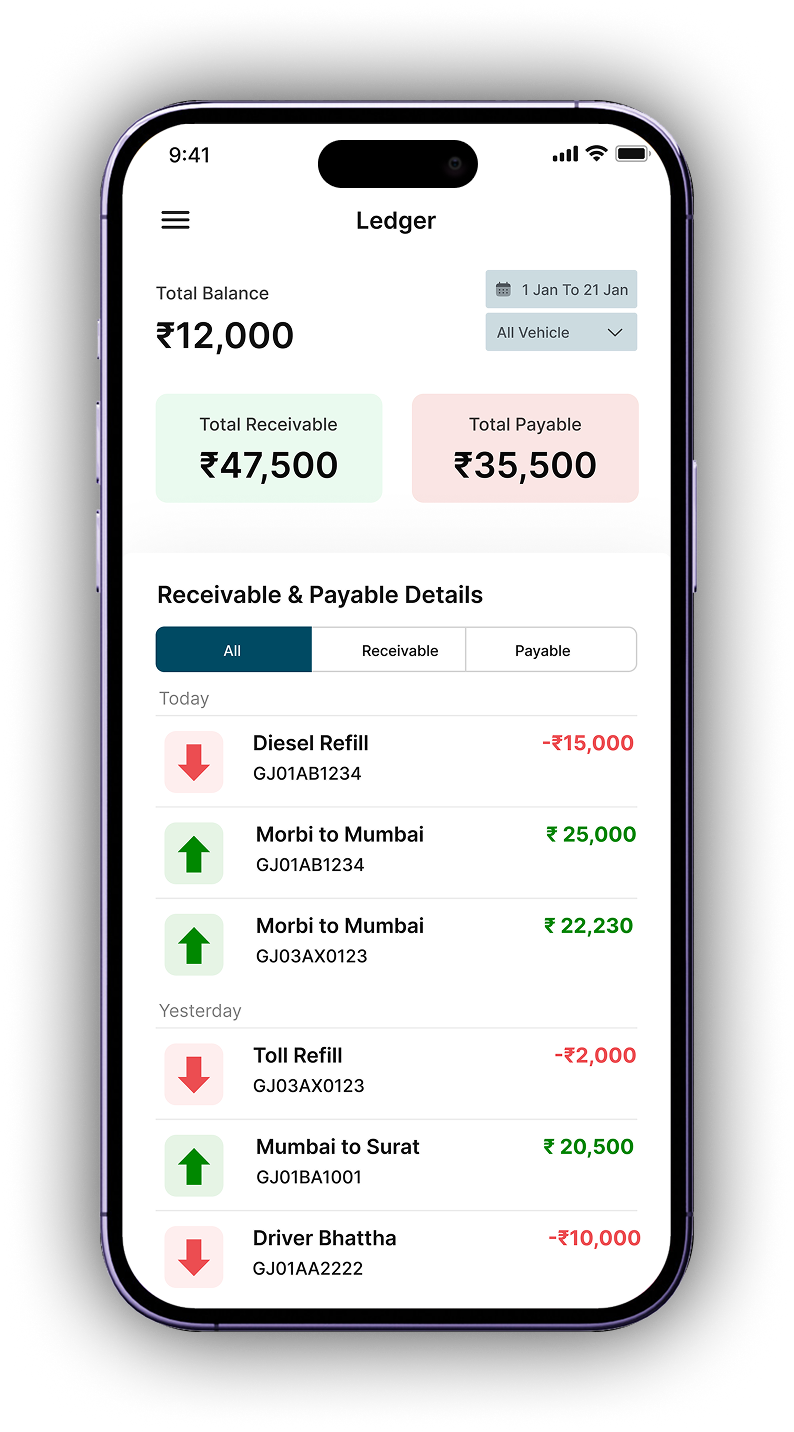
Settle driver balance (after deducting sillak/bhattha). Analyze trip profitability – income minus all truck & driver expenses.
Trusted by truck owners across India — from Morbi, pune and Mumbai.
Everything you need to know about managing trucks, drivers, parties and expenses.
Party Khata is a digital ledger that tracks all transactions with your customers or suppliers (parties). You can record freight income, advances, and pending payments. It automatically shows how much each party owes you (receivable) and how much you need to pay them (payable). No more forgotten dues or paper bills.
Truck Khata lets you record all expenses per vehicle: diesel (with vendor name), toll charges, repair costs, maintenance, and insurance. Every expense is linked to a specific truck, so you can see exactly how much each truck is earning or costing you. Ideal for fleet owners with multiple vehicles.
Absolutely. Driver Khata is designed specifically for driver transactions. You can record sillak (advance), bhattha (daily allowance), RTO Challan payments, and final settlement. The ledger shows outstanding driver balances, so you always know who has taken extra advance and who is due for payment.
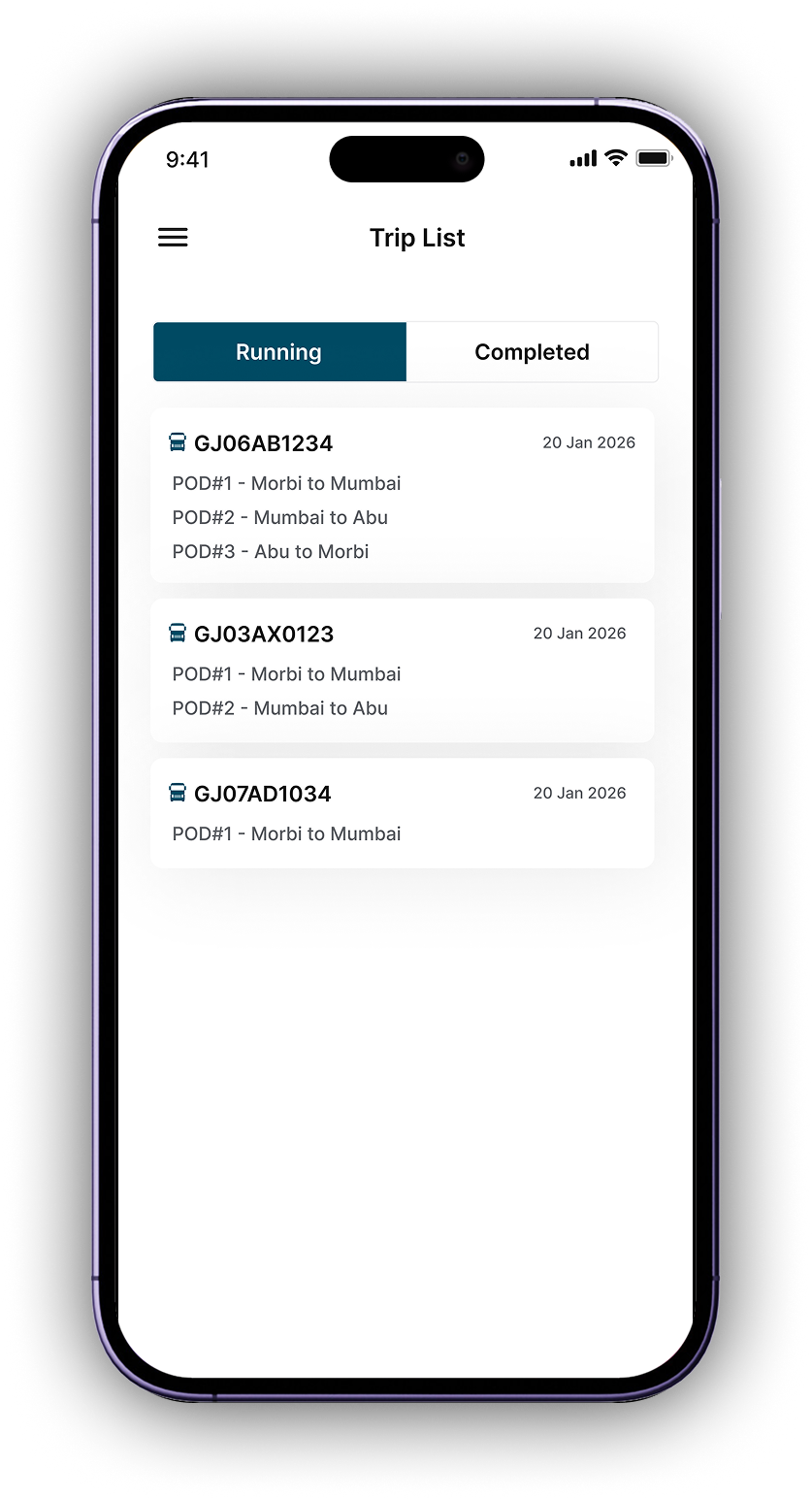
Each trip summary includes: vehicle number, route (from/to), party name, freight weight, freight rate per ton, total freight amount, advance paid, remaining balance, and POD (Proof of Delivery) status. You can also link all trip-related expenses (diesel, toll, repair) directly to that trip for accurate profitability analysis.
Yes, the dashboard shows a clear list of pending PODs with amount. You can mark POD as received, and the amount automatically updates in the party ledger. This helps you follow up on pending payments and maintain healthy cash flow.
The combined Ledger view shows all income and expense transactions in one place — diesel, toll, freight, driver payments — sorted by date and vehicle. You can filter by today, yesterday, or custom date range. It gives you a complete financial snapshot of your fleet.
Click on "New Order" and fill in the details: select vehicle, route, party, weight, rate/ton. The total freight is auto-calculated. Enter advance received, and check if POD is required. Once saved, the trip appears in the Trip List and updates the party ledger automatically.
Yes, Allways Fleet is available on Android and iOS. You can also access the web version from any browser. All data syncs in real-time across devices, so you can check your fleet status from anywhere.
Income · Expense Ledger · Driver Details · Party Khata · Driver Khata · Truck Khata · Maintenance · Trip Detail · POD
Download Allways Fleet. Web version also available – login from any device.

Visit our FAQs or call us.


The Allways Digital Pvt Ltd, Mondeal Square, A502, Prahlad Nagar, Ahmedabad, Gujarat-380051